A projector in a living room: what you need to know
A 100-inch-plus picture without a 100-inch box on the wall. The catch is light.
It works if you control the light. Epson suggests at least 1,500 lumens for a dark room and 2,500 lumens for a room with windows; to reach 60 foot-lamberts (ProjectorCentral’s family-room example) a 100-inch screen needs roughly 1,800 measured lumens on a standard white screen. In a bright living room, an ultra-short-throw (UST) projector a few inches from the wall plus a matching ambient-light-rejecting (ALR) screen is the usual answer. Sit about 10 to 13.5 feet from a 100-inch screen for the recommended 30–40° view.
Brightness: lumens and foot-lamberts
Projector brightness is quoted in lumens, but what you see depends on how big the picture is and how much light the screen reflects. ProjectorCentral’s formula:
foot-lamberts = lumens × screen gain ÷ screen area (sq ft)
A 100-inch 16:9 screen is 29.7 square feet. To reach 60 foot-lamberts (ProjectorCentral’s family-room example) on a gain 1.0 screen takes about 1,780 lumens of measured output; on a gain 0.8 gray screen, about 2,225. Two cautions:
- Rated versus delivered. The headline lumen figure is usually measured in the brightest mode. Accurate picture modes deliver less; reviews that measure calibrated output are worth reading.
- Methods differ. Epson’s Home Cinema 3800 is rated at 3,000 lumens white and 3,000 color; Hisense rates its PX3-PRO at 3,000 “ANSI lumens”. Treat numbers measured different ways as approximate.
Epson’s buying guide gives simple floors: at least 1,500 lumens for a home theater with little ambient light, 2,500 lumens for rooms with windows.
Daylight and ALR screens
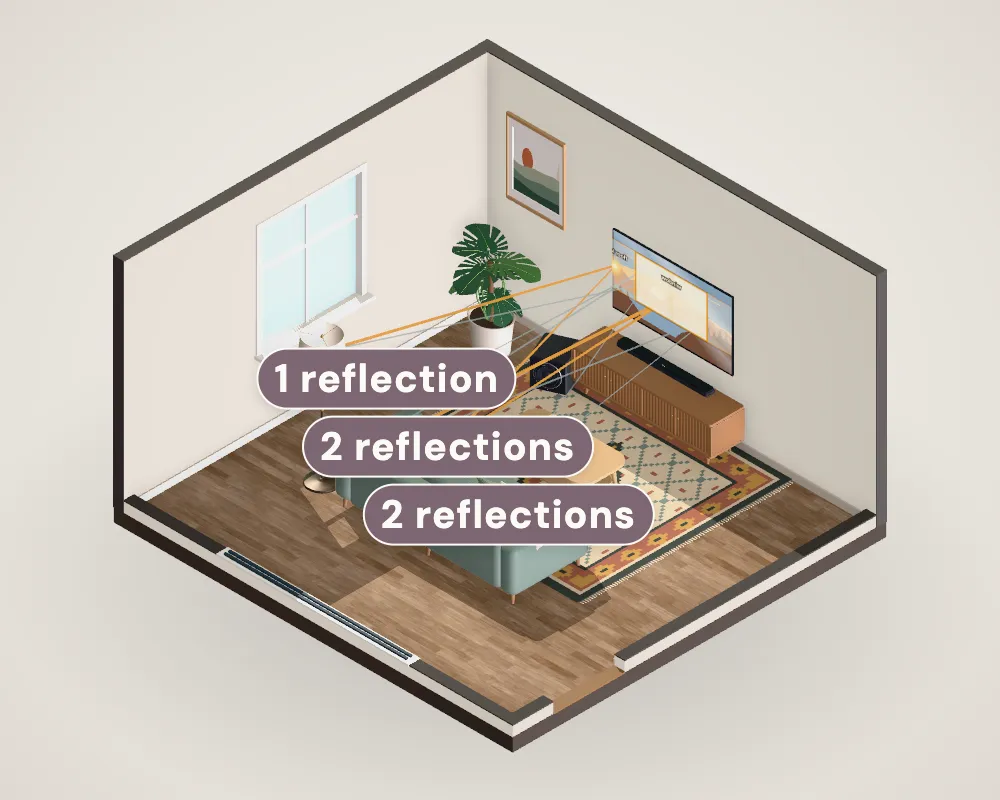
Room light lands on the screen and adds to the picture, lifting the blacks and washing out color. Ambient-light-rejecting (ALR) screens reflect light coming from the projector’s direction toward you and send light from other directions away. They work, but they’re specific to projector geometry: Screen Innovations’ Black Diamond, for example, needs a throw of at least 1.5 times the image width, while ultra-short-throw screens are built for light arriving steeply from below. Match the screen to the projector, install it the right way up, and still close the curtains for films.
Placement: throw ratio
Throw ratio = throw distance ÷ image width (BenQ). A 100-inch screen is 87.2 inches wide:
| Projector | Throw ratio | Distance for a 100-inch image |
|---|---|---|
| Epson Home Cinema 3800 (conventional) | 1.32–2.15 | about 9.6 to 15.6 ft from the lens |
| Hisense PX3-PRO (ultra-short-throw) | 0.22 | about 19 in from the lens’s reference point |
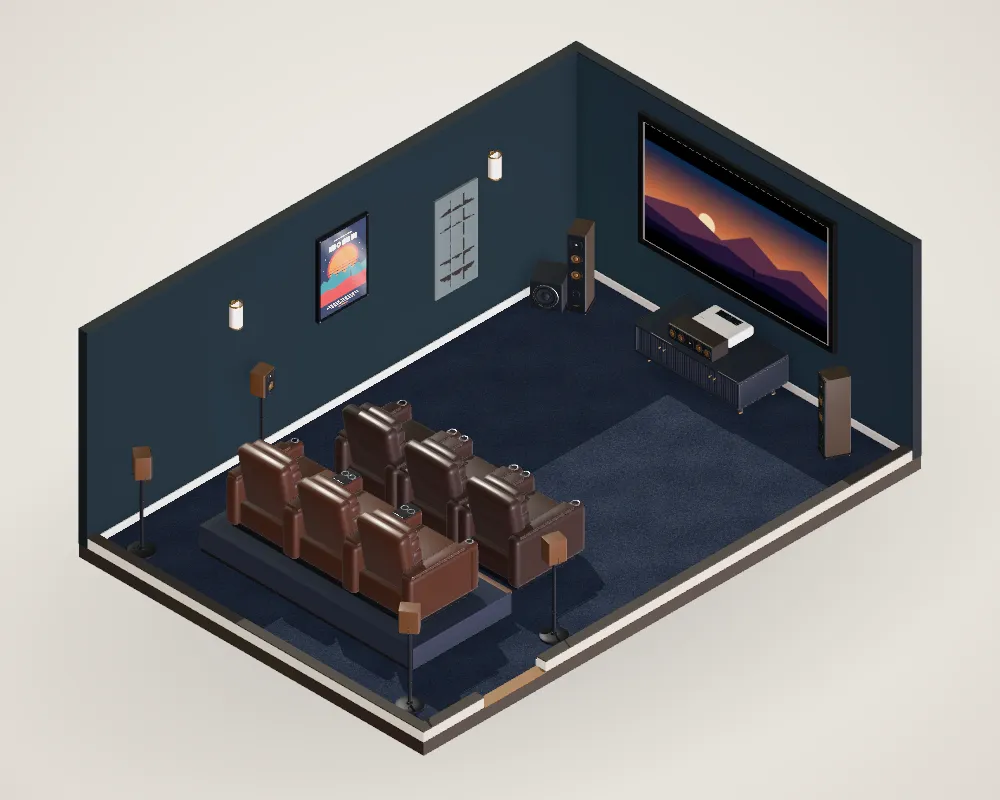
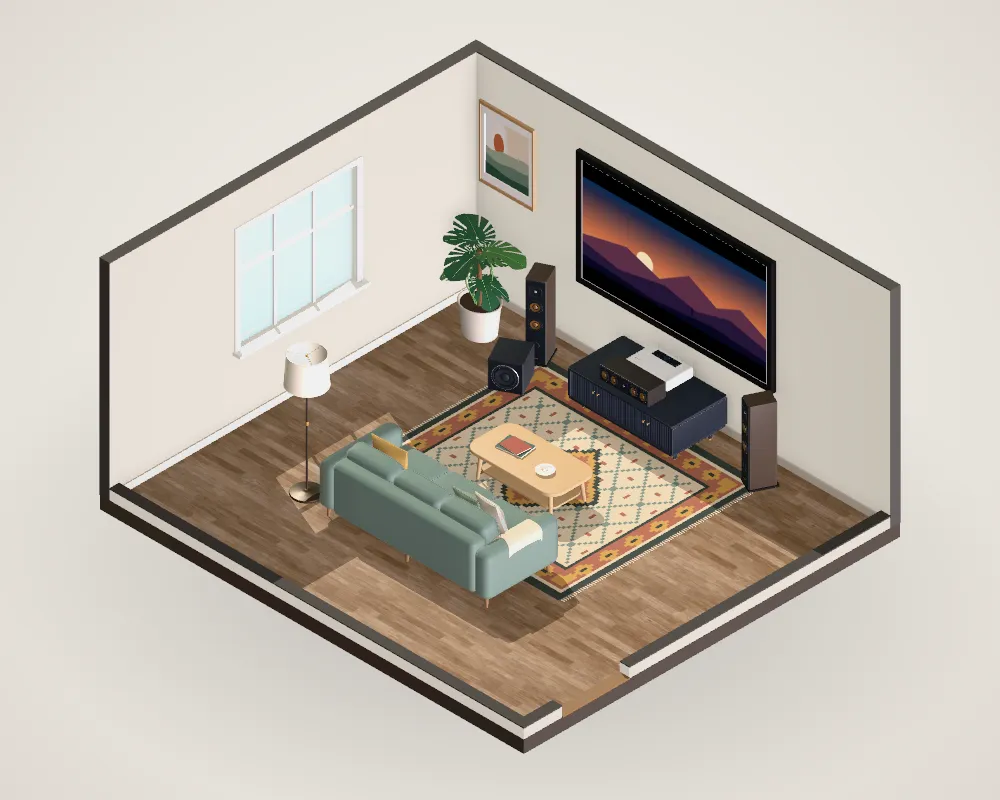
A conventional projector goes on a shelf at the back of the room or on the ceiling, which means running power and HDMI there and keeping heads out of the beam. A UST sits on a low cabinet right under the screen: no ceiling work, no shadows, and it works in rooms where the seating is against the back wall. Use the exact installation table for your model: the distance to the wall depends on the cabinet depth, not just the throw.
Seating distance
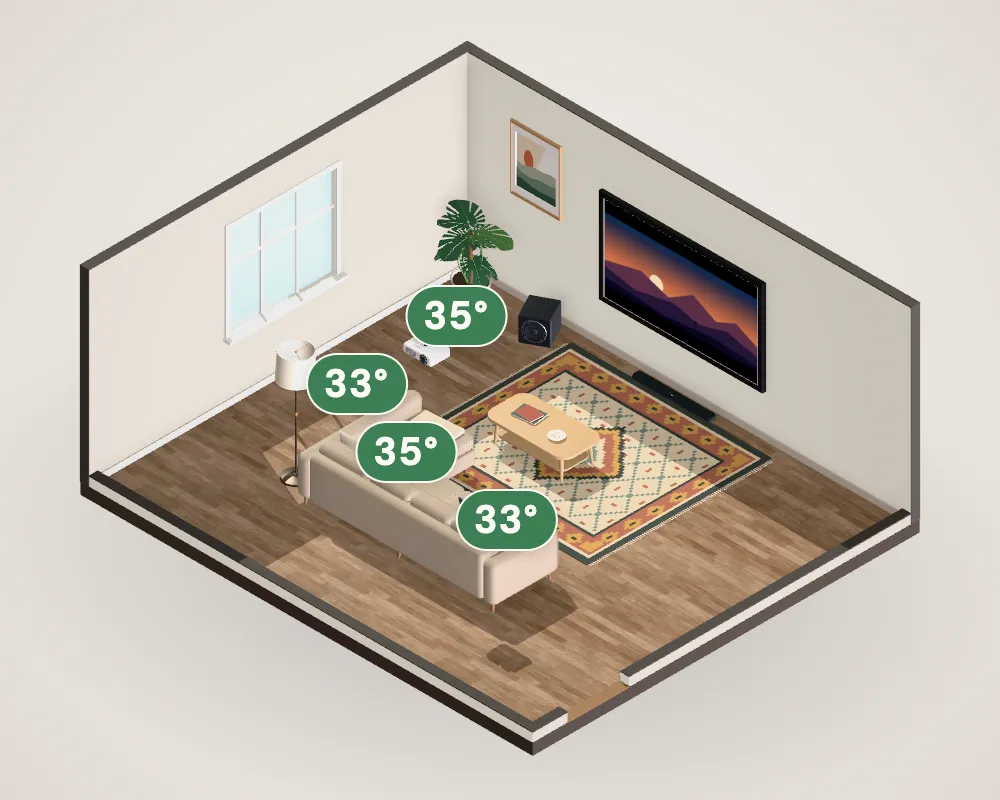
A projected picture follows the same viewing-angle rule as a TV: 30–40° of your view. For a 100-inch screen, that’s about 10 to 13.5 feet from your eyes; for 120 inches, about 12 to 16 feet.
Questions people ask
Can you use a projector in a living room with windows?
Yes, with the right setup: a bright projector (Epson suggests at least 2,500 lumens for rooms with windows), an ALR screen designed for your projector type, and curtains or blinds you can close for films. In full daylight, even a good projector looks washed out compared with a TV.
How many lumens do I need for a living room projector?
It depends on screen size and light. As a rule of thumb from ProjectorCentral’s formula, a 100-inch screen needs about 1,800 measured lumens to reach 60 foot-lamberts on a standard white screen; more in a bright room. Manufacturers’ rated lumens are often higher than what a projector delivers in its most accurate picture mode.
Do UST projectors need a special screen?
They need a screen made for ultra-short-throw light, which arrives at a steep angle from below. Hisense recommends its ALR screen with the PX3-PRO; a standard long-throw ALR screen can reflect UST light the wrong way.
Sources
- BenQ (2024). What is a good throw ratio and why does it matter?.Manufacturer
- Epson. Home Cinema 3800 specifications.Manufacturer
- Hisense USA. PX3-PRO ultra-short-throw projector.Manufacturer
- Hisense USA. PX3-Pro bundle with ALR screen.Manufacturer
- Epson. Projector guide: color brightness.Manufacturer
- ProjectorCentral (2019). A simple guide to calculating projector lumens.Professional guide
- Screen Innovations. Short-throw / ambient-light-rejecting screen materials.Manufacturer
- Stewart Filmscreen. What is the half-gain angle?.Manufacturer
- LG Electronics (2026). 100-inch QNED84B (100QNED84BU).Manufacturer
- SMPTE (2017). ST 2080-3:2017 Reference Viewing Environment for Evaluation of HDTV Images.Standard
- THX. Viewing Guide FAQ.Professional guide
Numbers on this page follow these sources. Where a figure is our own calculation or a rule of thumb, the text says so. Found a mistake? Tell us.