TV in front of a window: where the glare lands
Reflections follow one rule of geometry, so you can predict them from your seat before you mount anything.
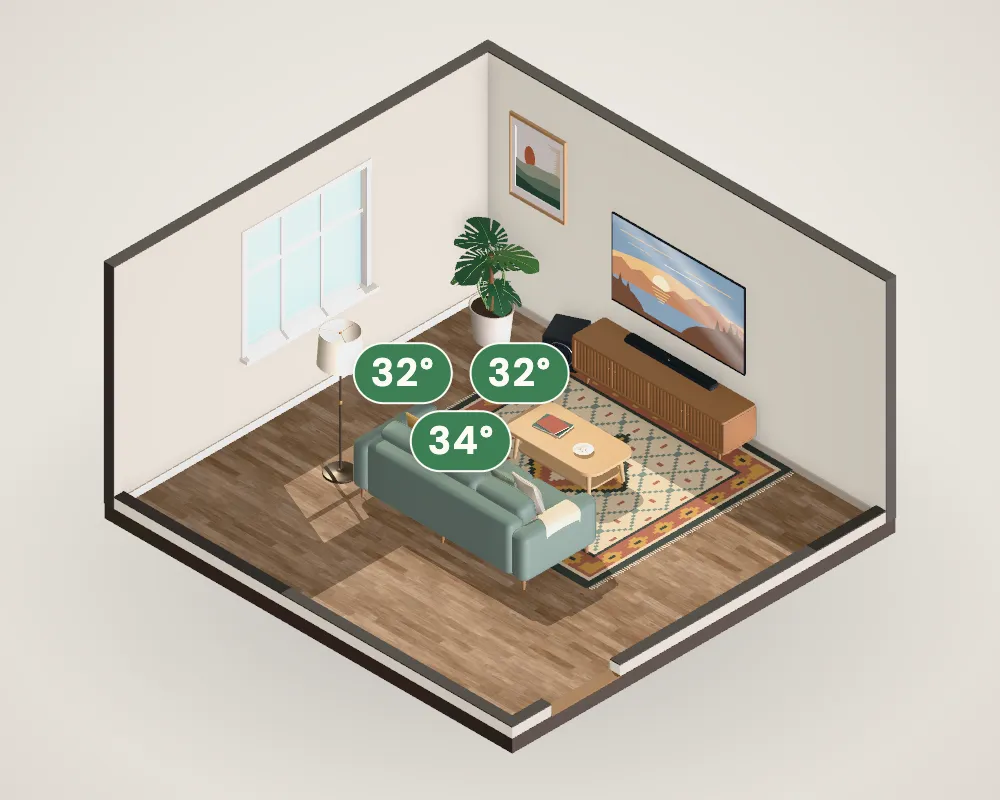
A window behind the TV doesn’t reflect on the screen, but it is in your view, so in daylight the bright window makes the picture look dim by comparison. A window facing the screen (behind or beside the sofa) is the one that causes glare: its reflection lands wherever the angle in equals the angle out, as in a mirror. To check, sit in your seat and have someone hold a mirror flat against the screen; any window you can see in it will reflect there. Fix it by moving or angling the TV, using curtains or blinds at viewing times, or choosing a TV that handles reflections well.
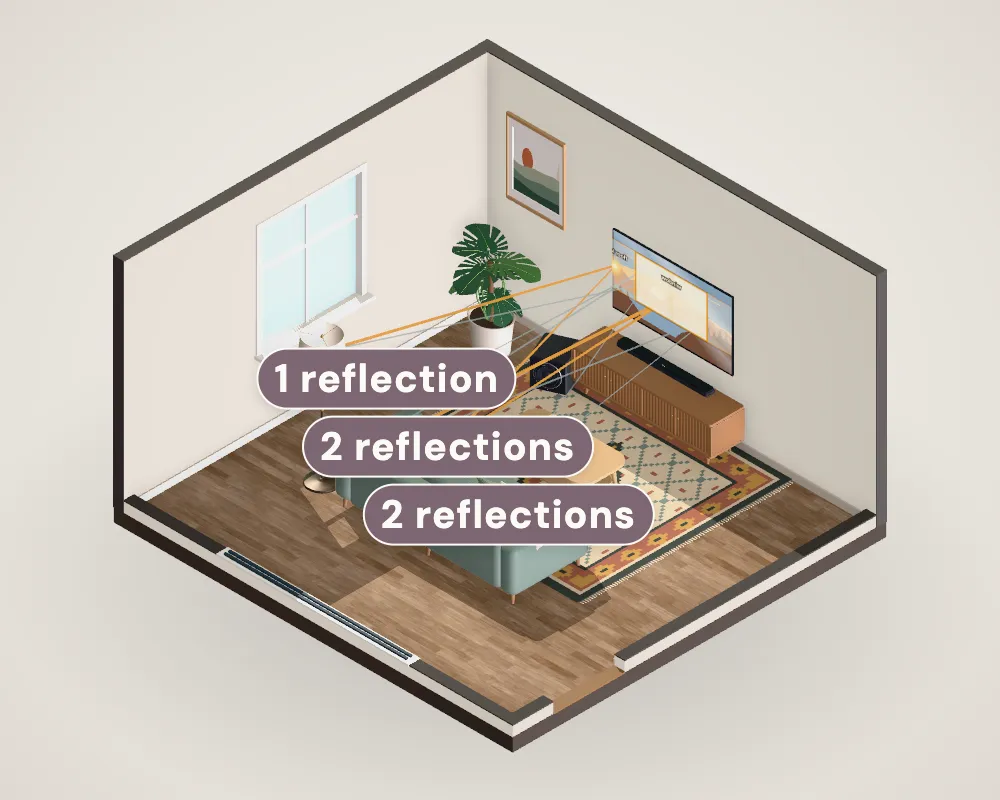
Which windows cause glare
A TV screen behaves like a slightly dim mirror. Light from a window reflects off it at the same angle it arrives, so what you see in the screen is whatever is “behind you in the mirror”: windows, lamps, a white wall in sunlight.
- Windows facing the screen (behind the sofa, or across the room) are the main source of glare. From the sofa, their reflection lands near the middle of the screen if the window is directly behind you, or toward one side if it’s off to an angle.
- Windows on a side wall reflect only when the angles line up: mostly for seats on the far side of the room from the window, with the reflection on the window’s side of the screen. The further back along the wall the window is, the more seats see it.
- Windows behind the TV don’t reflect at all. Their problem is contrast: in daylight the bright rectangle around the picture makes the screen look dim, the way a phone screen washes out in the sun.
The mirror test
You can check any spot in a few minutes. Sit where you’ll watch. Have someone hold a hand mirror flat against the TV (or against the wall where the TV will go), and move it around the area the screen will cover. Anywhere you can see a window in the mirror, that window will reflect on the screen from your seat. Repeat from the other seats; glare is different for each one.
This works because reflections obey the plane-mirror rule from basic optics: the angle of incidence equals the angle of reflection. Room Studio uses the same geometry: its glare layer reflects every window and lamp in the screen plane and marks where the reflection lands for each seat.
See the glare from every seatOpen Room Studio, add your windows, and switch on Sightlines → Glare. Open Room Studio →How much light a screen reflects
Screens reflect only a few percent of the light that hits them, but a sunny window is far brighter than a dark movie scene, so a few percent is plenty. DisplayMate’s 2015 measurements give a sense of scale: an LG OLED reflected 1.2% of light arriving from all directions and 2.1% as a mirror-like reflection; a Samsung LCD reflected 2.2% and 3.1%. Those are older sets, but they show two things that still hold: screens differ, and the mirror-like part is what creates a sharp, distracting image of a window.
Matte versus glossy is less clear-cut than it sounds. A matte coating scatters a reflection over a wider area, so you see a soft glow instead of a sharp window, but the light still raises the black level across more of the picture. RTINGS’ testing shows that reflection handling depends on the whole screen design, not just the finish, so look at measured reflection results for the specific model if you have a bright room.
Fixes that work
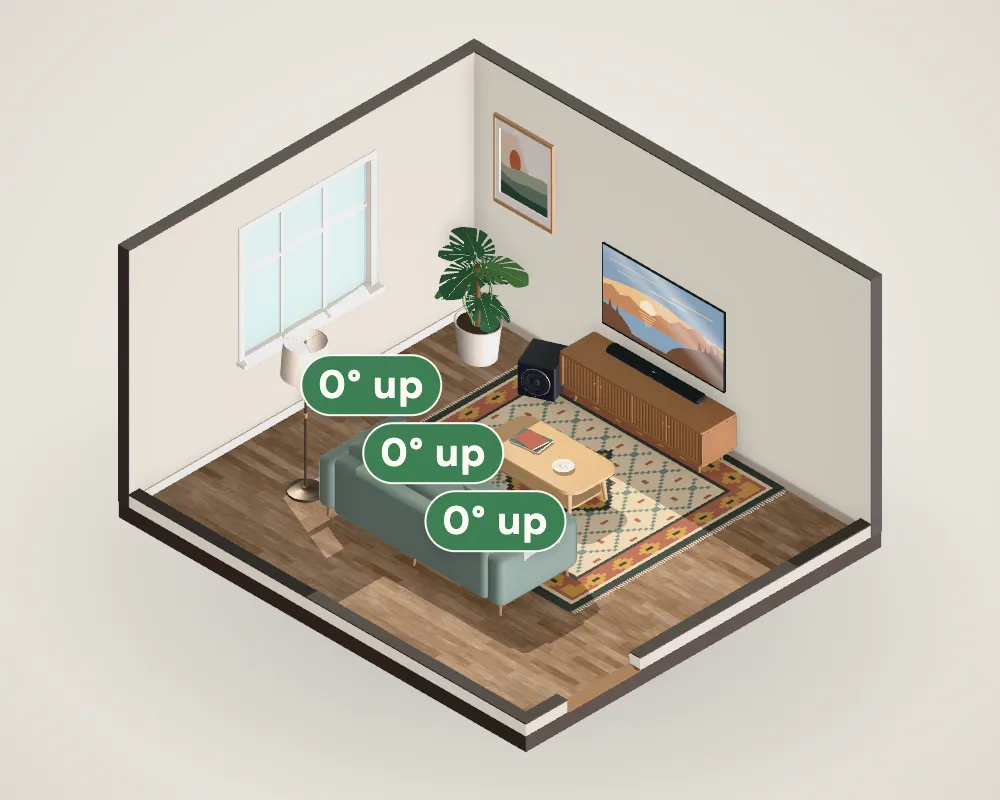
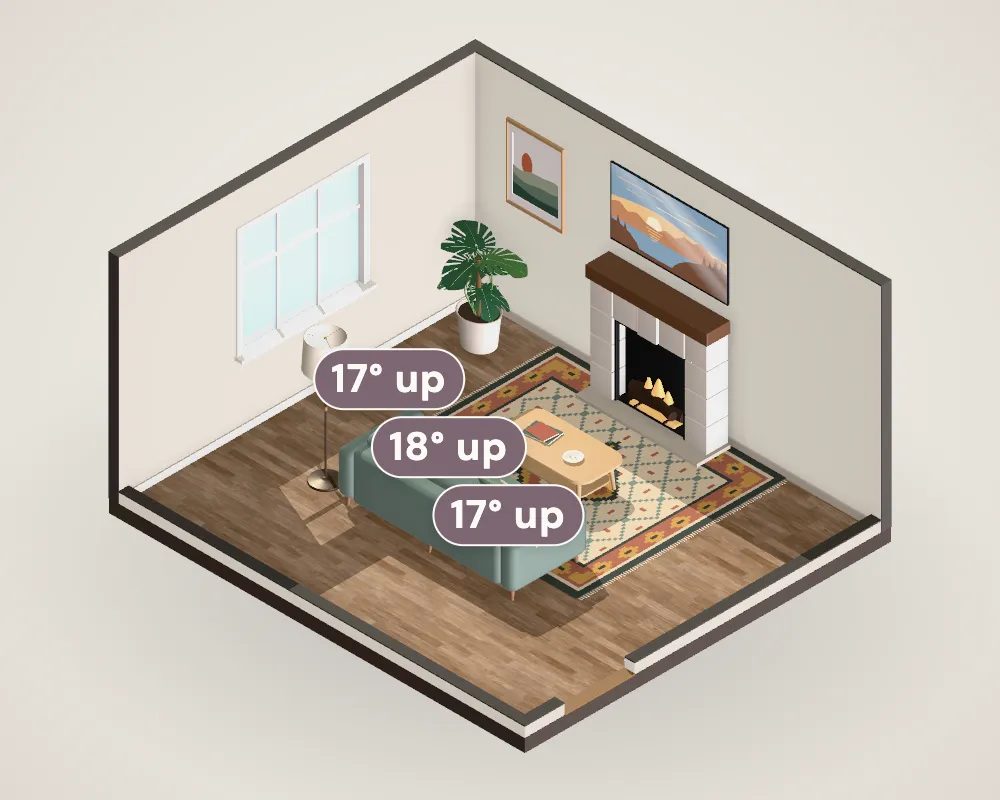
Move the reflection off the screen. Small changes in angle move a reflection a long way. Moving the TV a foot sideways, angling it slightly toward the seating, or tilting it down a few degrees can push a window’s reflection past the edge of the screen. Tilting changes where reflections land; it doesn’t change how high you look, so mount the TV at the right height first.
Control the light at viewing time. Curtains, blinds or blackout shades on the windows facing the screen remove the source. If you mostly watch in the evening, glare may only matter for daytime sports.
Move the TV or the seating. The best TV wall in a bright room is usually one where the windows are to the side of the viewing line rather than opposite the screen. A side window still lights the room without facing the screen.
Choose a TV for a bright room. Brightness and reflection handling vary a lot between models. A bright Mini-LED or a TV with a well-rated anti-reflection treatment holds contrast better in daylight; OLEDs are typically less bright but many have good anti-reflection coatings. Check measured results for reflections and brightness, not just marketing names.
Watch the lamps. Floor and table lamps behind the sofa reflect just like windows, and they’re on at night when you watch films. Lamps beside or behind the TV light the room without reflecting.
Questions people ask
Is it bad to put a TV in front of a window?
It won’t cause reflections, but the bright window surrounds the picture in daytime, which makes the screen look dimmer and can be tiring to look at. Curtains or blinds you close while watching solve it; so does a brighter TV.
How do I stop glare on my TV from a window?
Find where the reflection comes from (the mirror test works), then either move the reflection off the screen by moving or angling the TV, block the light at viewing time with curtains or blinds, or reduce its impact with a TV that handles reflections well. Tilting the TV slightly can push a reflection off the screen.
Are matte TV screens better for glare?
They change glare rather than remove it. A matte coating spreads a reflection over a larger area, so it’s less sharp and less bright at its peak, but the light still lifts the blacks across more of the screen. RTINGS' testing shows reflection handling depends on more than matte versus glossy.
Where should a TV go in a room with lots of windows?
On a wall where the windows are to the side of the viewing line rather than directly opposite the screen, and ideally where the screen faces away from the brightest window. Room Studio’s glare layer shows where each window reflects from every seat.
Sources
- OpenStax. University Physics Volume 3, §2.1 Images formed by plane mirrors.Research
- RTINGS.com. Reflections test: total reflected light and direct reflections.Measurement
- RTINGS.com. Screen finish and reflection handling (research article).Measurement
- DisplayMate Technologies (2015). OLED vs LCD TV Shoot-Out.Measurement
- RTINGS.com. TV viewing angle test.Measurement
- SMPTE (2017). ST 2080-3:2017 Reference Viewing Environment for Evaluation of HDTV Images.Standard
Numbers on this page follow these sources. Where a figure is our own calculation or a rule of thumb, the text says so. Found a mistake? Tell us.